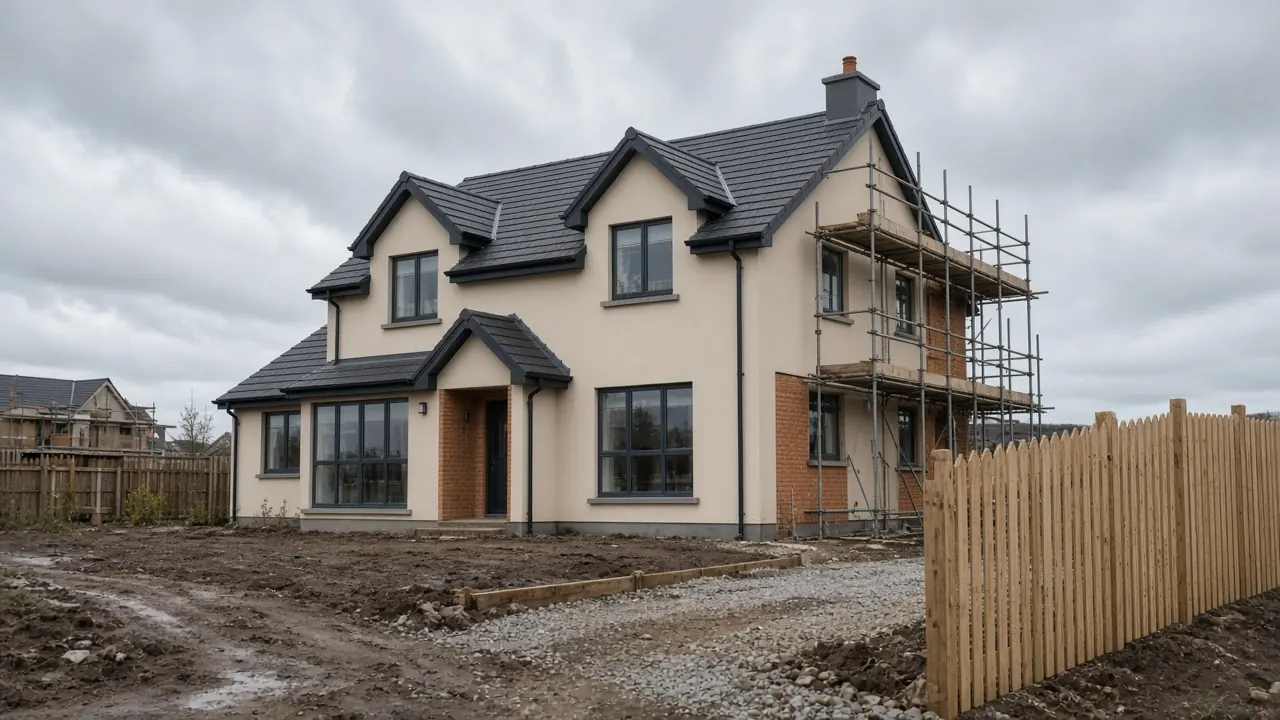
Snag newly built homes on the walk-around.
Used by snag surveyors in
How it works
The important loop is short: open the plan, tap the defect, take the photo, save. Designed for a phone in a half-finished house, not a desk.
 01
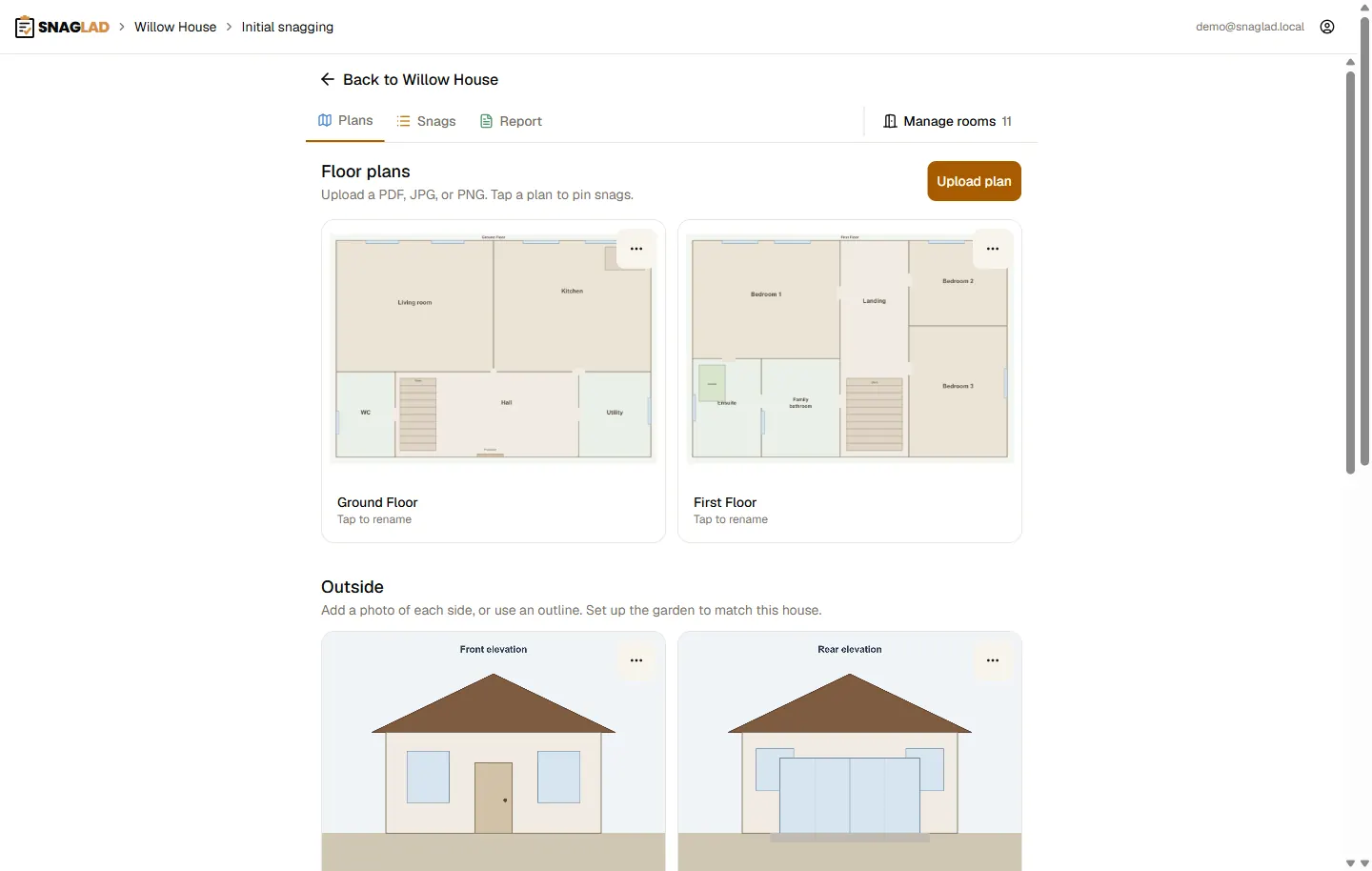
01Create the inspection
Open the project, add the visit, and upload the floor plans you will walk.
 02
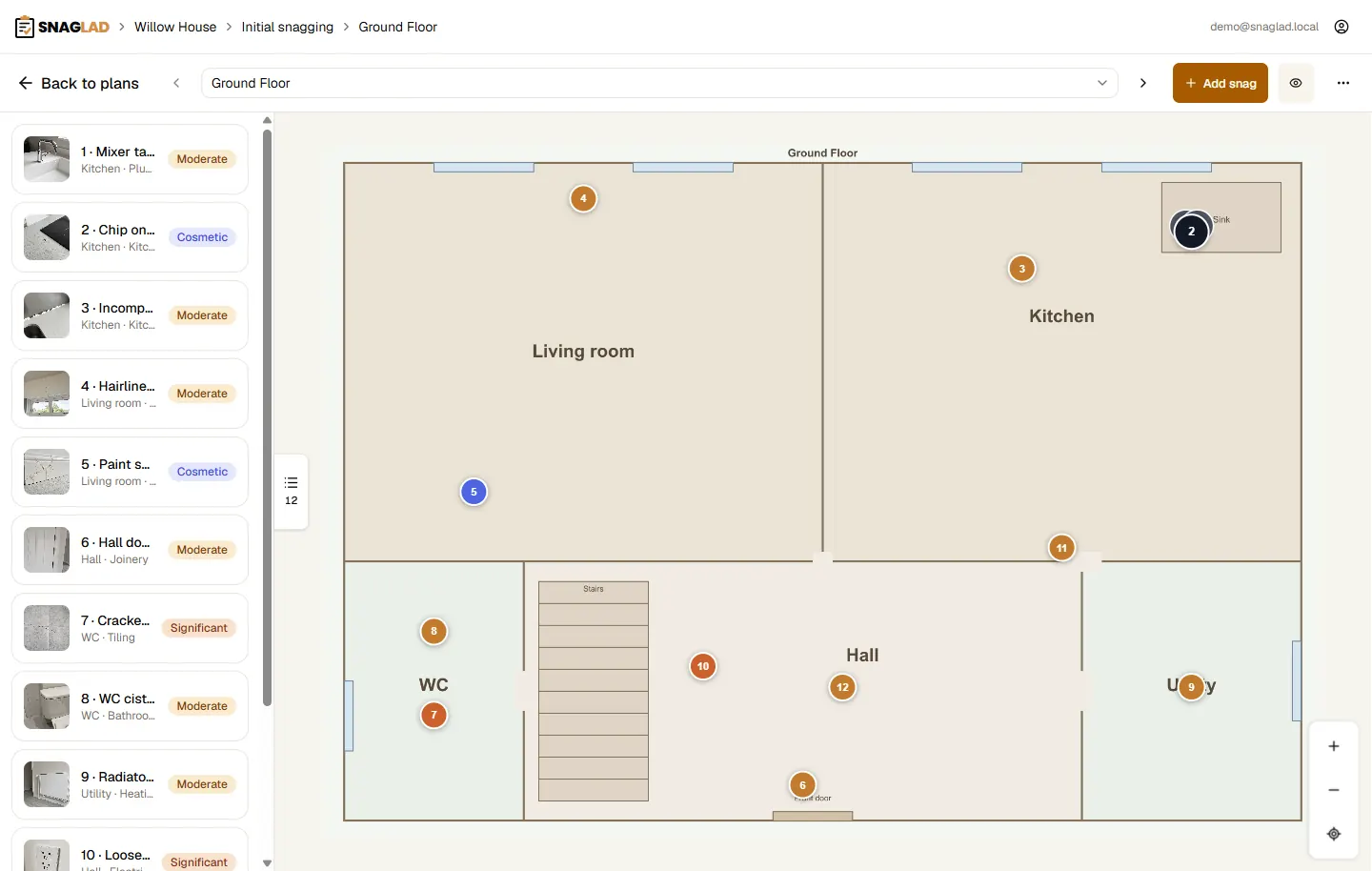
02Pin the defect
Tap the spot on the plan. The pin stays put when you zoom, pan, or rotate the phone.
 03
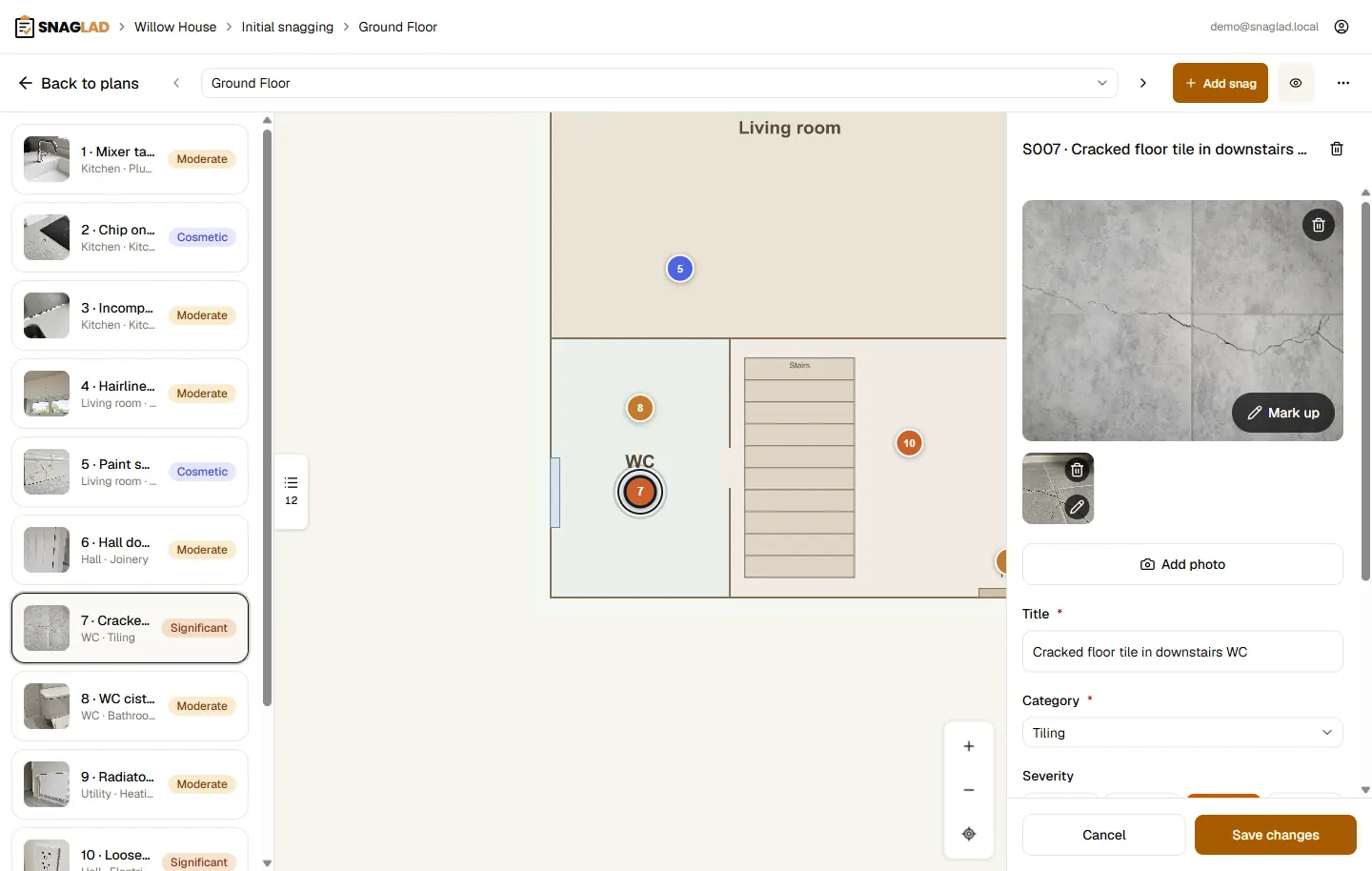
03Photo and a short note
Capture the snag while you are standing in front of it. Category, severity, and room are optional extras, not a form marathon.
 04
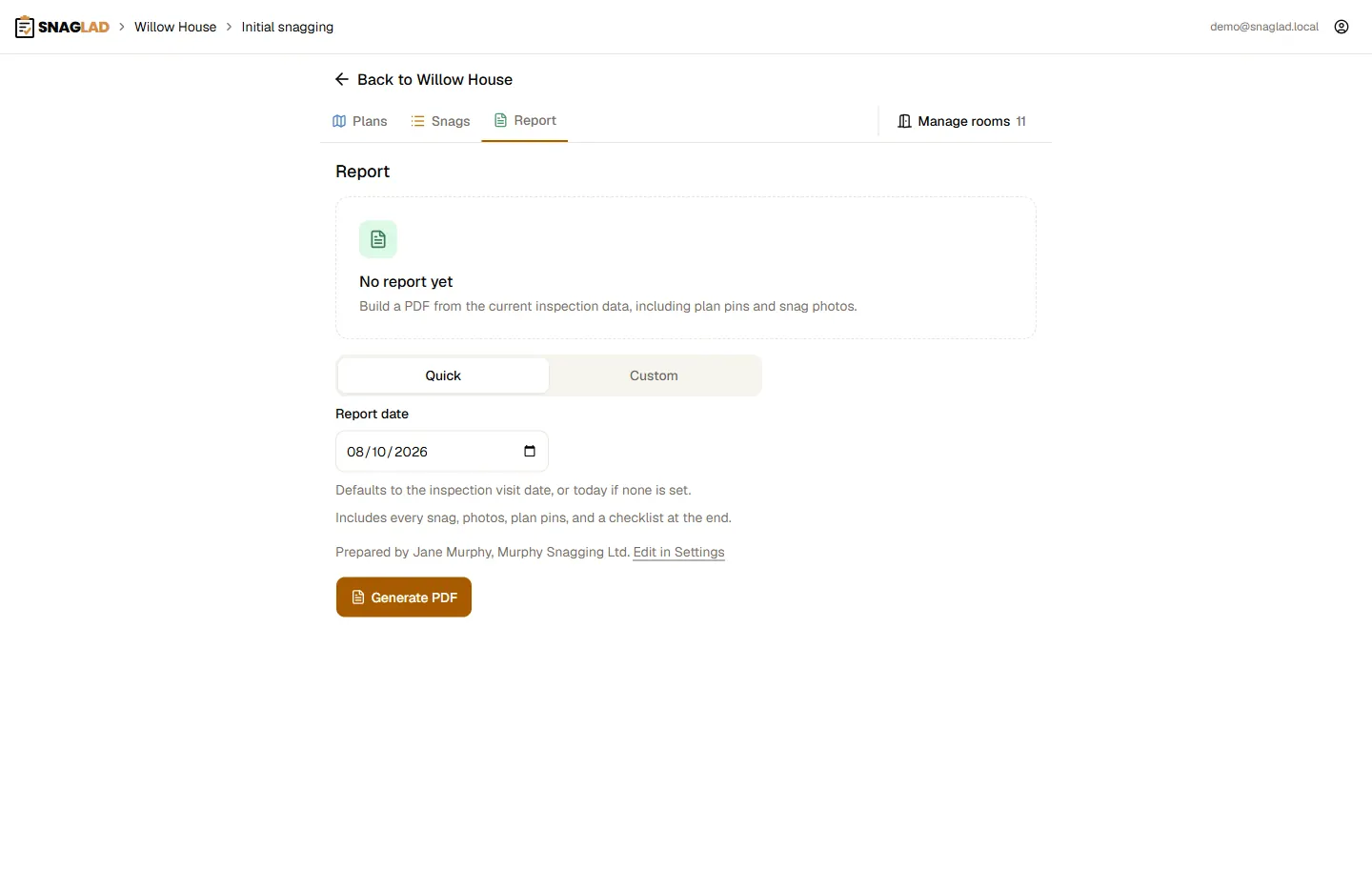
04Hand over a PDF
Export a numbered report with stable references like S001 - deleting a snag never renumbers the rest.
Plans that stay put
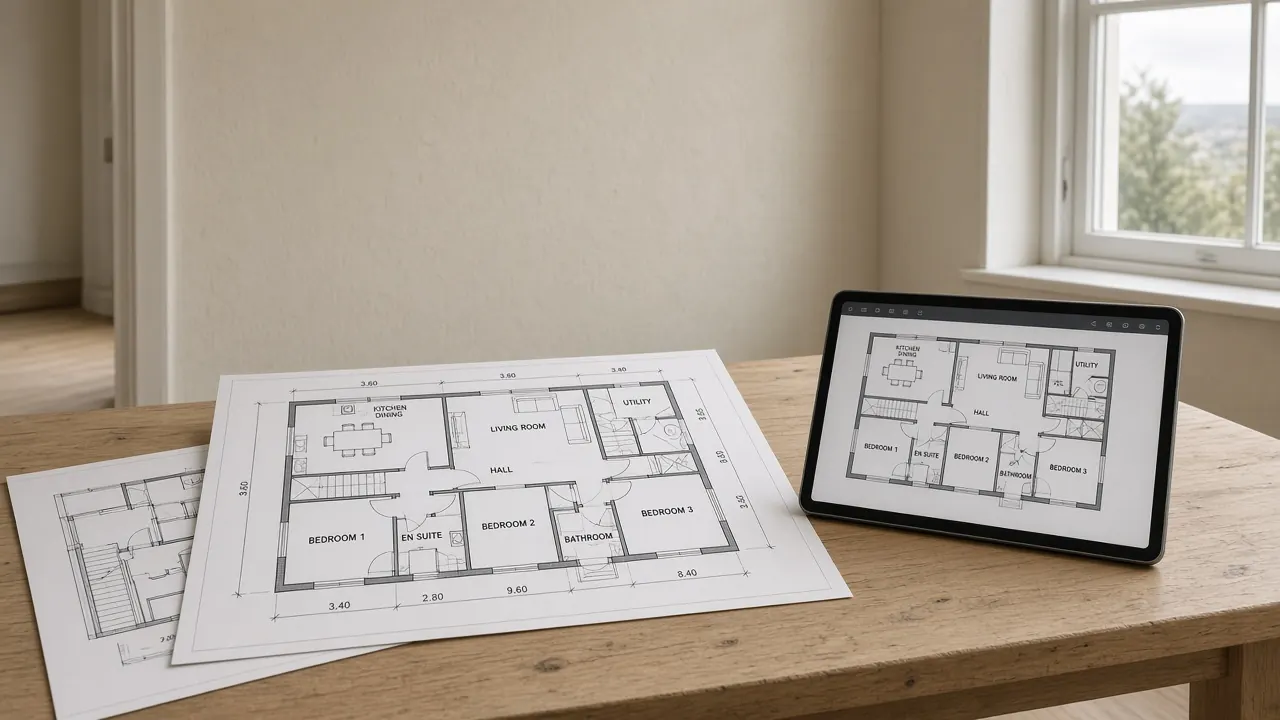
Upload PDF, JPG, or PNG. Pan, pinch-zoom, and drop numbered pins that keep their place on any screen.
Photos on the snag
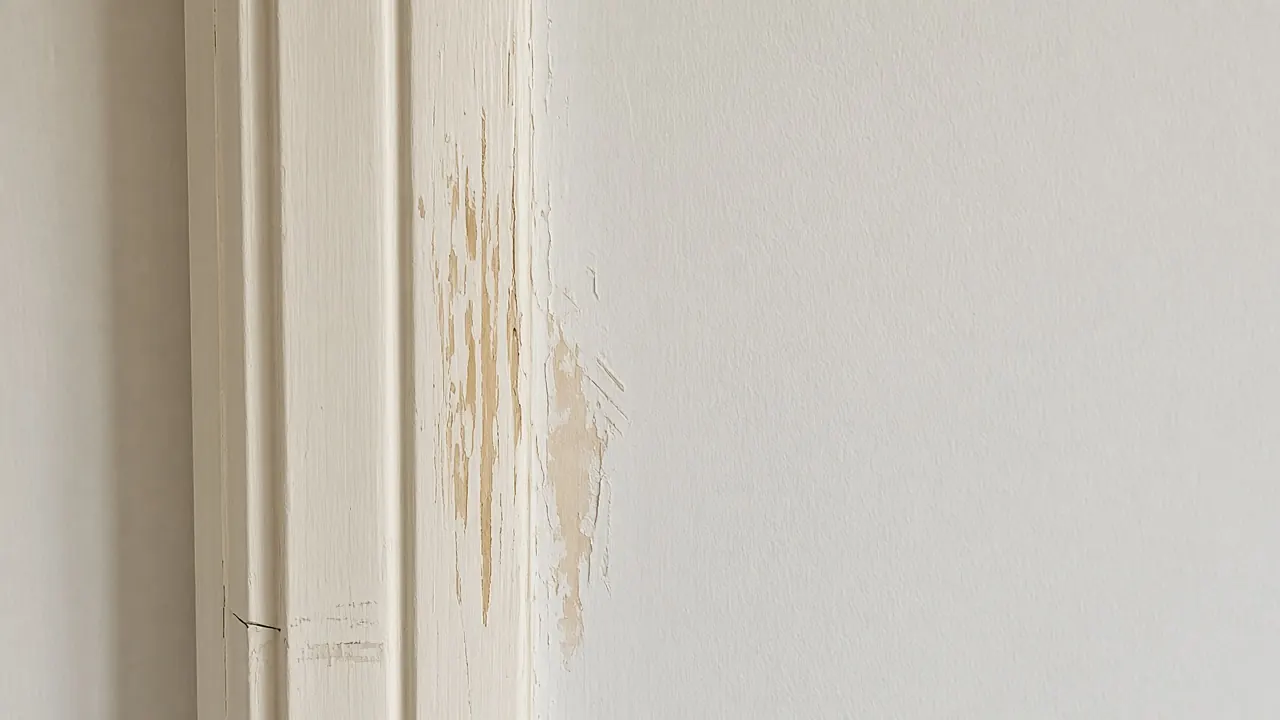
Pictures belong to the defect, not a camera roll. Capture while you create the snag so nothing gets lost on the drive home.
Reports clients can action
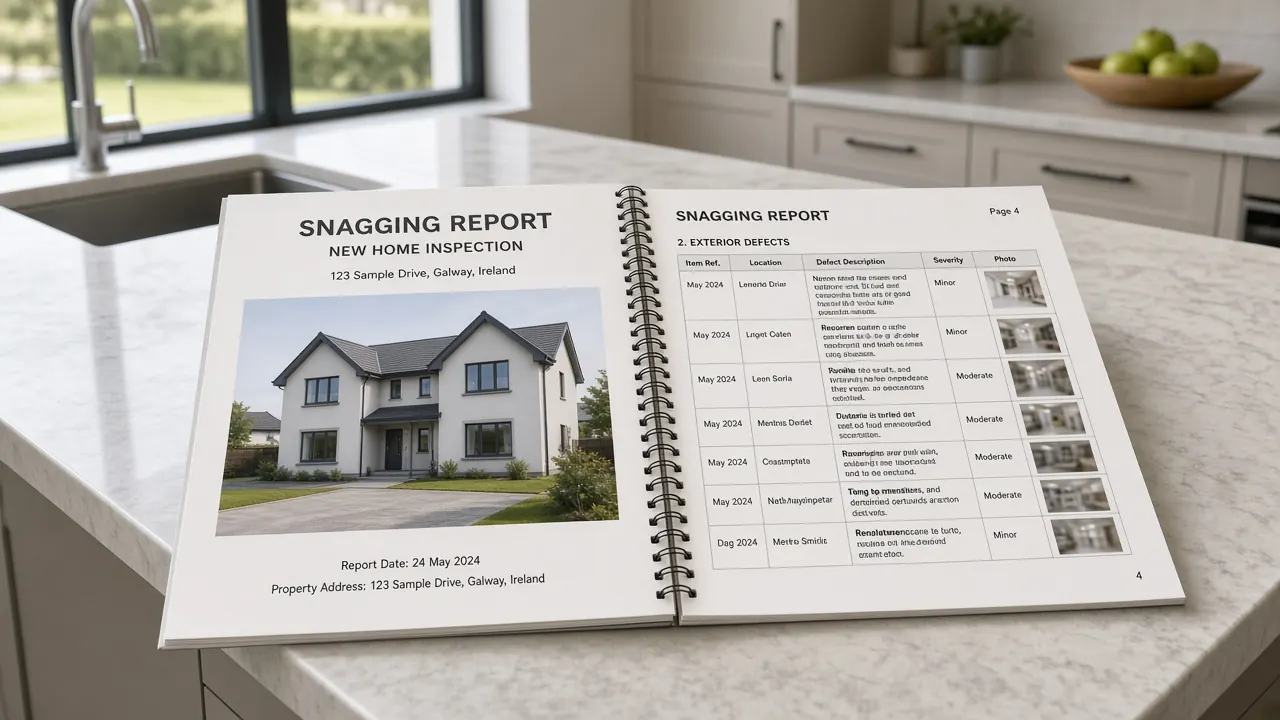
Rooms, severity, status, and a professional PDF. Built for Irish new-build snagging, not generic punch lists.
Typical snags
The work is close-up: a crack, a scrape, a missing bead of silicone. Each one sits on the plan with its photograph.
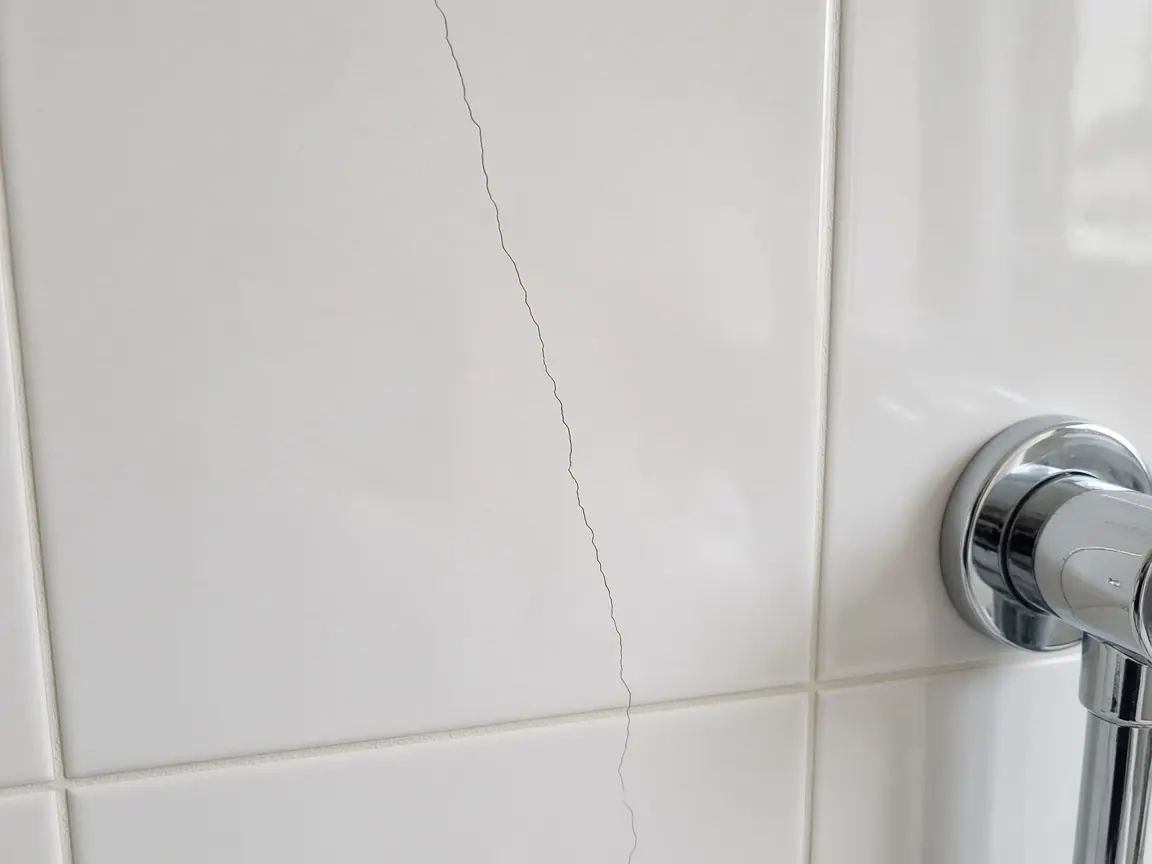 Cracked tileA hairline crack in a new WC or ensuite, pinned to the room on the plan.
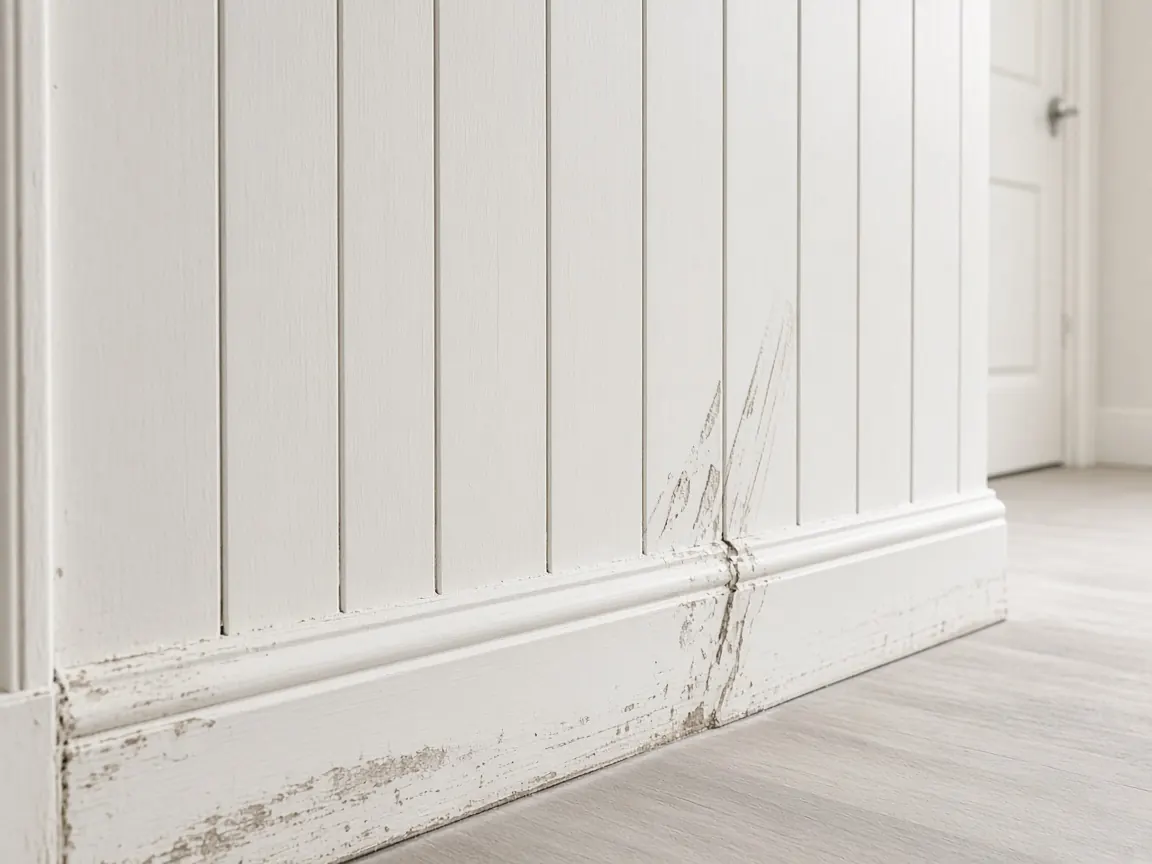 Scuffed paintConstruction marks on skirting and walls, photographed on the snag they belong to.
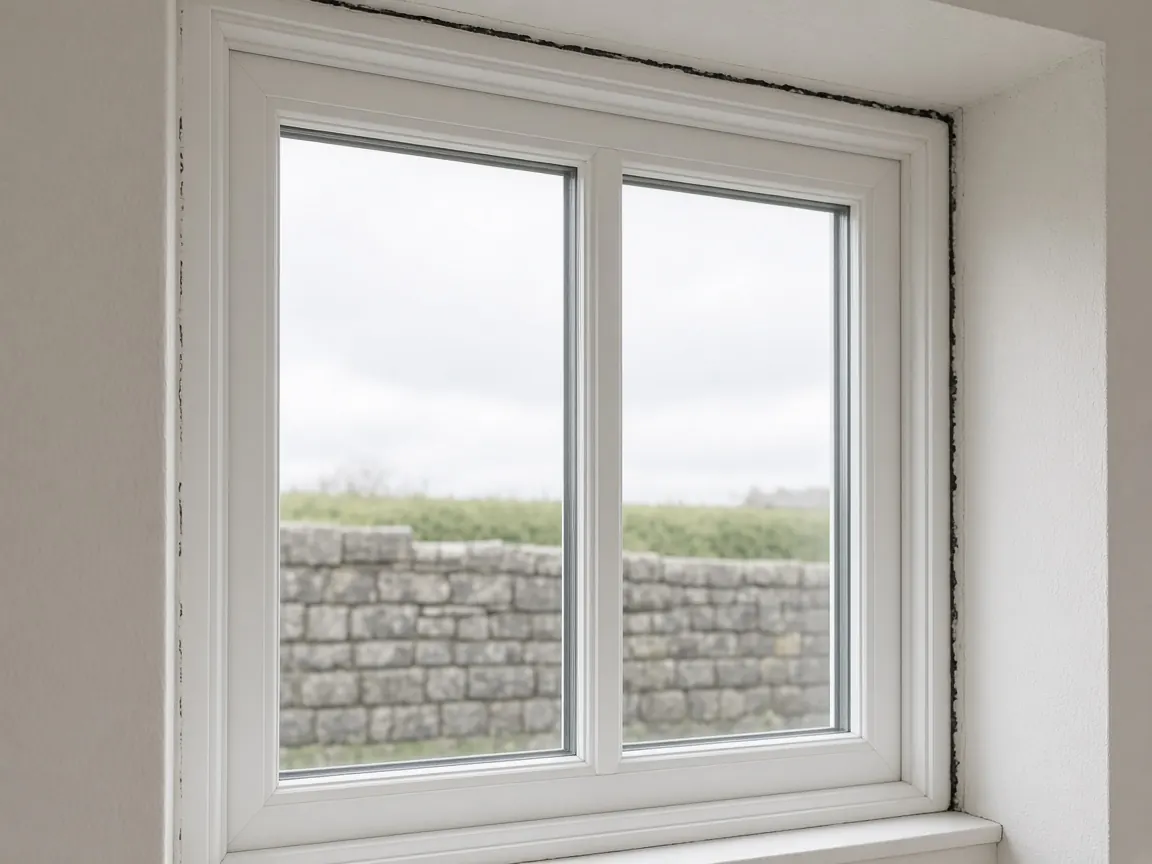 Window sealMissing silicone on a new frame - the photo sits on the pin, not in a folder.
About
Built for people who walk the house.
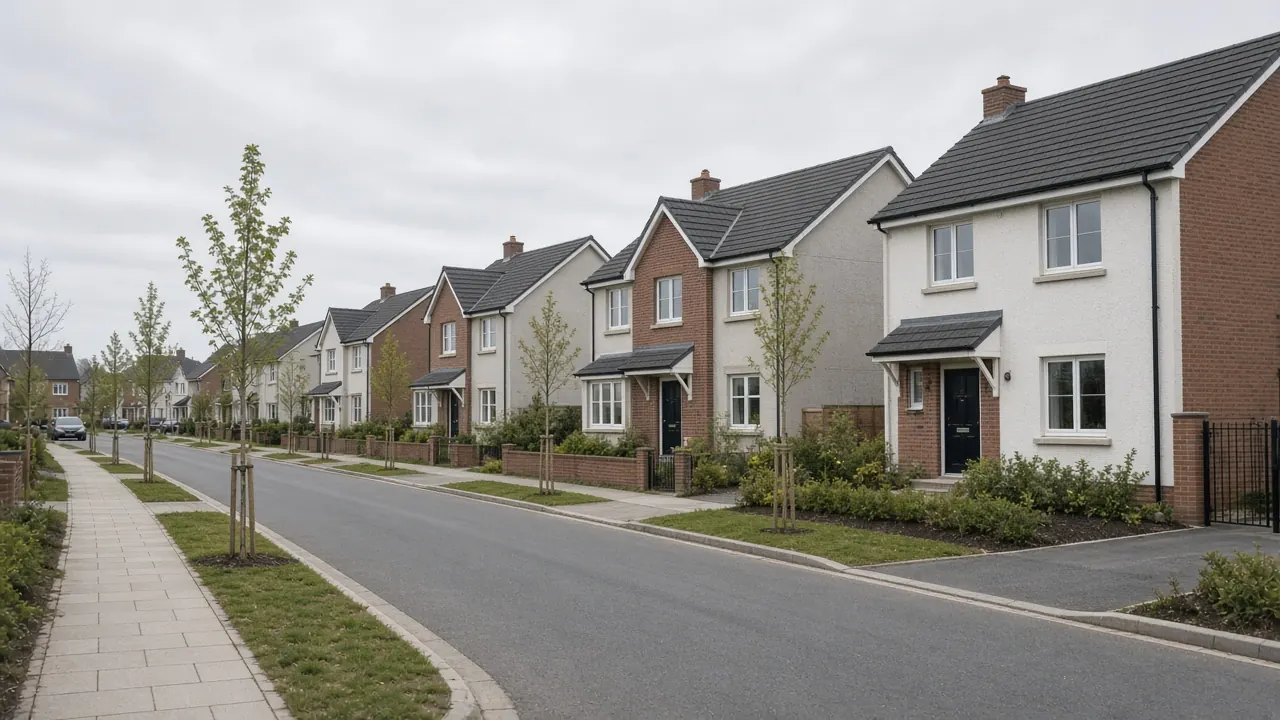
Independent inspectors and small snagging firms. If you currently juggle a camera roll, a notebook, and a Word template after the visit, this is meant to replace that pile - on site, on a phone.
Beta
Join the Snaglad beta
Early access is free. Book a walkthrough and help shape what we build next. Nobody will be charged from this site.
- Free during early access
- No card or checkout
- A walkthrough of plans, pins, photos, and the PDF
- Direct feedback that shapes what gets built next
Frequently asked questions
Get in early
Early access is free. Join the beta and we will walk through plans, pins, photos, and the PDF report.